User Guide
Introduction to the basic usage of MIHIRAKI.
Install the App
First, install the "MIHIRAKI" app on two separate devices.
You can also use a combination of iOS and Android.
Pairing (Syncing)
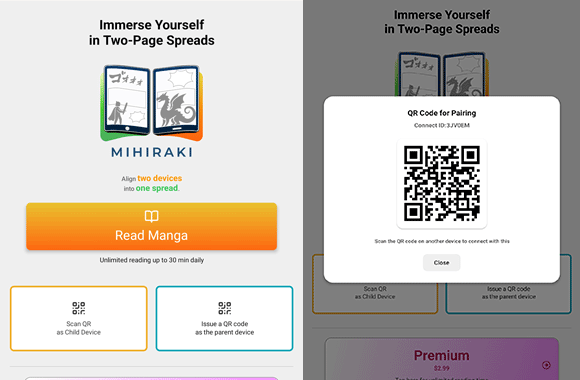
Launch the app on both devices. Select "Show QR Code" on one device and "Scan QR Code" on the other.
Once the scan is successful, pairing will be completed automatically.
* The device showing the QR code will act as the Parent Device (Right), and the device scanning the QR code will act as the Child Device (Left).
Open Manga on Parent Device
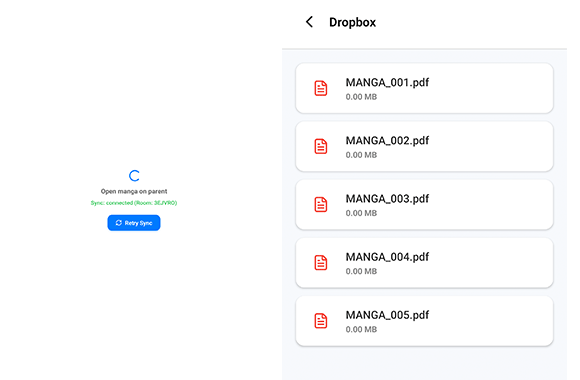
Open a manga on the device you want to use as the main controller (Parent Device).
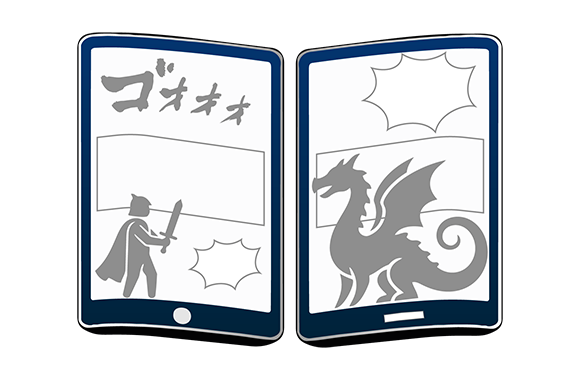
When the manga is opened on the Parent Device, the Child Device will sync and automatically display the manga in a two-page spread.
Immersive Large Screen Experience
When you turn a page, the other device (Child Device) will instantly follow and display the next page.
By placing two devices side-by-side, you can enjoy a powerful reading experience just like a real two-page spread manga.
Basic Controls
① Tap near the center of the two-page spread (both devices) to toggle the menu display on each device.
② Tap the left side of the child device (left device) to go to the next page.
③ Tap the right side of the parent device (right device) to go to the previous page.
④ Tap to open the options menu with various controls.

Options Menu
① Jump to any page with the slider that appears.
② Opens the episode list of the manga you are reading.
③ Fine-tune the alignment if the spread is offset for some titles.
④ Warms the screen to reduce blue light and eases eye strain.
⑤ If the pages become misaligned, tap here to adjust.
*The options menu is available on the parent device (the child device only has Reload).

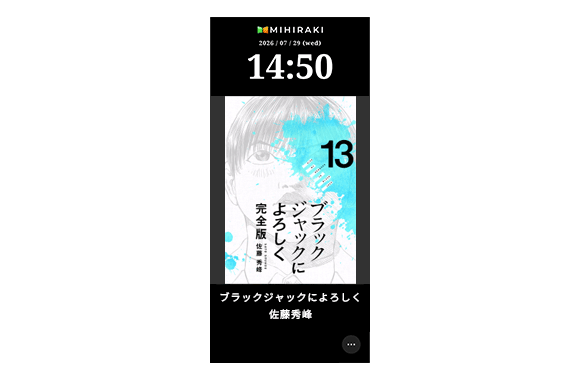
MIHIRAKI CLOCK (works with one device)
Launch it from the "MIHIRAKI CLOCK" button on the home screen.
Tap the "…" menu in the bottom corner → "Clock Settings", then search for a title and save — your favorite manga covers will rotate automatically like a desk clock.
You can also adjust the switching interval, display order, and night mode there.
*The screen stays on in full-screen mode, so we recommend using it while charging.